Access Control Troubleshooting: 5 Critical Perth Fixes

Access control troubleshooting guide for Perth commercial facilities. Spot 5 critical door and reader faults before booking licensed technicians.
Access control troubleshooting requires isolating hardware faults, verifying Cat5E or Cat6 cabling, testing Power Supply Unit (PSU) voltages, inspecting door controllers, and auditing LAN connectivity to resolve door lock and credential failures rapidly. When your security hardware malfunctions, unravelling whether the breakdown stems from the door strike, access card reader, network switch, or directory database is critical to restoring perimeter protection without exposing your organisation to operational downtime.
📌 Executive Summary & Key Technical Takeaways
- Core Search Takeaway: Rapid access control system troubleshooting depends on systematically half-splitting issues between physical door hardware (strikes, readers, REX devices) and upstream ICT network infrastructure.
- Cabling & Power Standards: Intermittent reader or gate drops frequently track back to substandard data cabling, voltage drops across long runs, or dying backup batteries within auxiliary power supplies. Solid-core certified Cat5E or Cat6 Ethernet cable is non-negotiable.
- Dual-Engine Advantage: Resolving cross-domain glitches—such as turnstiles jamming on valid tokens or controllers dropping LAN sync—demands our unified ICT and Security model, eliminating contractor finger-pointing.
- Perth Commercial Focus: High coastal humidity, heat, and seasonal dust degrade outdoor pedestrian turnstiles and vehicle barriers; preventative maintenance mitigates high-cost emergency call-outs.
Table of Contents
Your Commercial Access Control System Isn’t a ‘Set and Forget’ Asset
As small business managers and commercial facility operators across Perth, you’ve invested in a commercial access control system to protect your staff, property, and physical assets. It acts as the invisible gatekeeper, silently managing credentials, vehicle gates, and secure zones. But what happens when that gatekeeper starts failing? A proximity reader flashes amber or red for an authorised badge, a fire-exit door alarm screams endlessly, or your software platform experiences database desynchronisation. The operational disruption is immediate, and perimeter vulnerability escalates. Suddenly, your first line of defence becomes an expensive liability.
Many site administrators attempt straightforward DIY interventions, such as cycling controller breakers. However, modern commercial systems integrate deeply with building management systems, electrified door hardware, and underlying network infrastructure. Attempting undocumented wiring adjustments or resetting controller configurations without specialised telemetry can easily turn a localized lock issue into a building-wide lockout. This is where professional access control troubleshooting delivers true risk mitigation.
At Smart SYS, we operate on a Dual-Engine model, uniting commercial Security Services with specialised ICT Services. We serve as the Single Point of Accountability for Western Australian enterprises. By bridging the gap between your server room, local edge switches, and physical door assemblies, we eliminate the traditional blame game between IT teams and security technicians. Below, we break down essential diagnostic techniques and review the critical indicators that warrant professional diagnostic intervention.
5 Core Steps in Commercial Access Control Troubleshooting
When approaching equipment access issues in a commercial environment, our technicians deploy a disciplined diagnostic methodology rather than swapping out parts at random. Whether diagnosing commercial access control systems or standalone door controllers, applying these five steps will pinpoint the defect efficiently:
- Define the Symptom Scope: Establish whether the fault is localised (a single mortice lock or RFID reader failing on Door 3) or systemic (all entry barriers offline on a specific floor or VLAN). Check whether the failure occurs consistently or intermittently during peak shift changes.
- Audit Physical Infrastructure & Power: Inspect the field hardware first. Measure direct-current voltages at the lock terminal using a true-RMS multimeter under full operational load (both quiescent and during relay activation). Check that backup batteries in the 12V/24V power supply units (PSU) have not collapsed below safe operational cut-offs.
- Verify Field Cabling & Signal Integrity: Measure continuity, ground faults, and resistance across the reader line. Confirm that the data run relies on certified Cat5E or Cat6 Ethernet cable or shielded twisted pair rather than non-compliant, non-certified cable prone to crosstalk and voltage drops.
- Isolate Network & Controller Communication: Test controller-to-server heartbeats. Determine whether the edge controller is replying to ICMP ping queries, whether switch ports are dropping packets, or whether the device has reverted to an offline caching mode due to local IP address conflicts or DHCP lease expiration.
- Inspect Software Logic & Synchronisation Queues: Review event transaction logs at the server management console. Confirm whether the credential has been propagated across all local controller memory boards or whether transactional sync queues have stalled due to database table corruption.
1. Widespread or Intermittent Reader Failures
One of the most persistent access control problems involves an RFID or smart card reader that functions erratically—admitting users in the morning but denying valid credentials in the afternoon. Even worse is when an entire corridor or industrial wing drops offline simultaneously, stranding employees and visitors outside.
Potential Underlying Causes:
While an individual damaged credential or reader head is possible, intermittent or widespread failures almost universally point to upstream system infrastructure. Our diagnostic methodology targets the full chain of hardware:
- Power Supply Unit (PSU) Depletion: Electric strikes, magnetic locks, and optical readers draw significant continuous and peak current. An ageing linear or switch-mode PSU running hot under Perth summer temperatures will suffer voltage sag, causing the controller to restart periodically or fail to power reader transceivers.
- Switch Port & Network Health: Networked access control panels communicate continuously over your local area network. Faulty managed switch ports, STP (Spanning Tree Protocol) loops, or broadcast storms can isolate readers from credential validation servers. Our dual ICT capabilities ensure we quickly identify LAN faults that standard alarm techs miss.
- Cabling Integrity & Interference: Degraded terminations or runs installed adjacent to unshielded three-phase machinery will induce inductive noise on the Wiegand or OSDP data lines. All data cabling must adhere to strict Australian telecommunications regulations. Running certified Cat5E or Cat6 Ethernet cable with correct shielding protects systems from electromagnetic interference and guarantees compliance with Australian cabling standards.
- Controller Memory & Firmware Corruptions: The door controller is the edge processor responsible for offline decision-making. Corrupted event buffers or outdated flash firmware can freeze its processing loop, preventing it from polling downline reader heads.

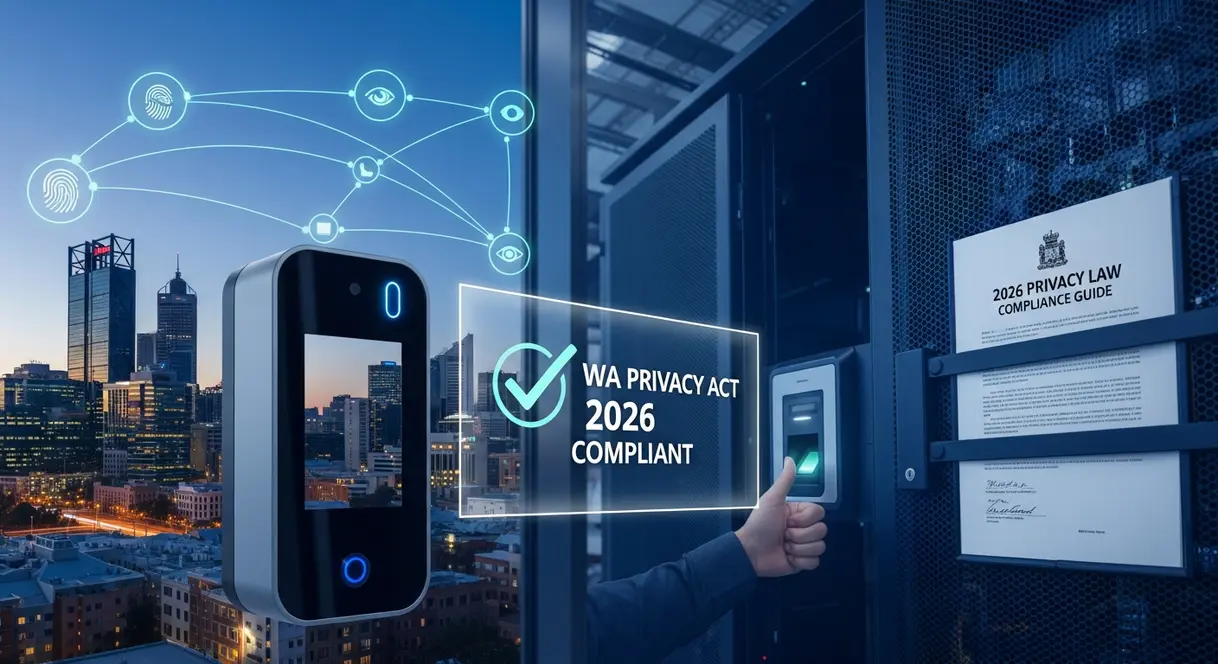
Troubleshooting Network Connectivity Issues Across Entry Gates & Controllers
When multiple automated sliding gates, boom barriers, or main entryway turnstiles drop offline simultaneously, the breakdown is rarely at the gate motor—it is an access control server connectivity fault. To systematically address network disconnection across field gateways, commercial facility operators should check three foundational ICT layers:
- VLAN Isolation & Routing Rules: Access control panels should operate on dedicated security VLANs isolated from general guest and office Wi-Fi traffic. Verify that edge managed switches have not discarded tagged VLAN traffic after a power blip or misapplied firmware push.
- IP Address Collisions & Static Leases: Door controllers must run on static IPs or MAC-reserved DHCP leases. If an unmanaged IoT device or printer inadvertently takes over an access controller’s IP address on the subnet, the central server will lose its cryptographic heartbeat with that field board.
- TLS / SSL Port Blockage & Firewall Policies: Upgraded enterprise access control platforms require specific outbound port rules (such as TCP port 443, 8000, or proprietary ports like 3001) to talk to edge field nodes. A firewall rule update or antivirus suite update on the host server can abruptly sever controller communications, throwing automated entry gates into offline fail-safe or fail-secure modes.
2. Noticeable System Lag or Slow Response Times
Employees badge at a turnstile or main entry door, and there is an awkward 3-to-6 second pause before the mechanical strike releases. When administrators attempt to manage permissions or run audit reports, the management software grinds to a halt. Severe system lag signifies an architecture on the verge of total operational lockup.
Potential Underlying Causes:
Sluggish response rates indicate deeper bottlenecks within the data transmission chain. While traditional standalone hardware technicians may simply advise buying a new lock, our ICT engineers interrogate the underlying data flow:
- Network Latency & Jitter: If your readers depend on real-time server authentication rather than caching access lists on the local controller, high local network contention will delay unlock commands. Using advanced packet analysis, we pinpoint packet loss and queue delays across internal trunk links.
- Bloated or Unindexed Databases: Access platforms record thousands of events weekly—from door transitions to card reads. Without routine maintenance, databases become fragmented. This causes real-time permission checks and transactional queries to stall.
- Controller Buffer Saturation: When controllers are oversubscribed with multiple auxiliary inputs, high-traffic REX sensors, and complex interlocking logic, processing chips run hot and throttle cycle execution. Correct system architecture prevents processing bottlenecks.
3. Access Control Troubleshooting: When Alarms Lie
Nuisance alarms are among the most frustrating access control problems commercial facility operators encounter. Monitoring dashboards chime constantly with false “Door Forced Open” or “Door Held Open” events, despite perimeter doors remaining firmly latched. Over time, false flags breed alarm fatigue, causing staff to ignore genuine intrusion events.
Potential Underlying Causes:
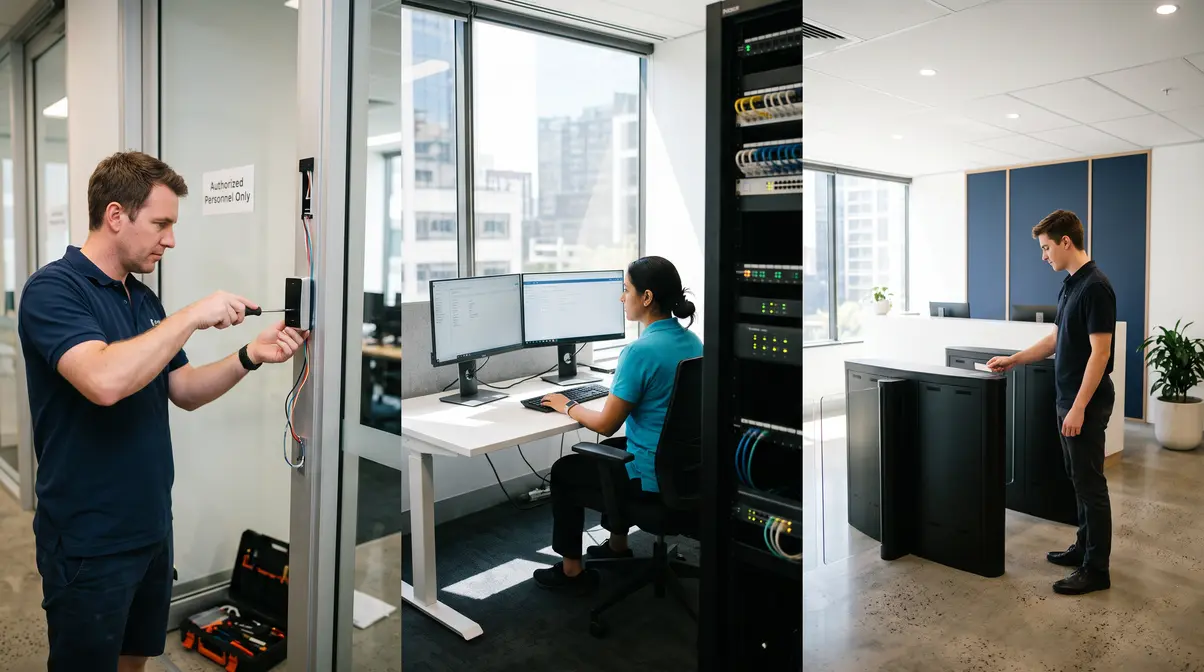
Eliminating false alarms requires methodical electro-mechanical calibration at the frame assembly:
Related Commercial Analysis:
Office Access Control with Active Directory: 2026 Guide
- Reed Switch & Door Position Sensor (DPS) Drift: Heavy commercial doors flex over time due to building movement, air conditioning pressure, and mechanical hinge wear. If the magnetic DPS drifts even four millimetres from the contact plate, minor door flutter from exterior wind creates momentary open circuits that trigger forced-door alerts.
- Wiring Micro-Fractures inside Door Loops: Armoured power loops bridging the door frame to the leaf undergo thousands of flex cycles. Broken internal copper strands can intermittently disconnect when the door is jarred, generating instant alarm states.
- Voltage Starvation on Electromagnetic Locks: A maglock requiring 12VDC that receives only 10.4VDC due to undersized cable runs will generate inadequate holding force. The system may signal a secure lock state while the magnetic bond sensor detects contact degradation, triggering nuisance alarms.
- Stuck Request-to-Exit (REX) Detectors: Passive infrared (PIR) REX units positioned poorly can detect HVAC airflow, moving plants, or exterior heat through glazing. Similarly, mechanical push-buttons can stick internally, creating an endless “Door Held” warning.
Turnstile & Barrier Troubleshooting: Fixing Mechanical Jams & Intermittent Denials
Commercial facilities, distribution centres, and transit hubs often run optical turnstiles, tripod barriers, and vehicular gates. When turnstiles constantly jam or fail to grant access to authorized ticket and badge holders, the failure typically falls across three operational vectors:
- Optical Safety Sensor Occlusion: Turnstile lanes rely on arrays of infrared emitter-receiver beams to track passage and detect tailgating. Over time, optical lens covers accumulate fine dust and cleaning detergent film. This obscures the beam path, prompting the turnstile safety logic to engage internal mechanical brakes and jam the turnstile arm.
- Solenoid & Lock Mechanism Friction: Electromechanical turnstiles utilize heavy-duty release solenoids and ratchet assemblies. Without routine lubrication and mechanical calibration, grit combines with ambient grease, causing latching pawls to bind mechanically even when the reader relay fires correctly.
- Credential Buffer Timing Mismatch: When barcode scanners, QR readers, or smart card readers issue an unlock pulse, the turnstile control board expects the user to push through within a predetermined window (typically 3 to 5 seconds). If the relay pulse duration is programmed too short (e.g., 250 milliseconds instead of 500 milliseconds), the mechanical locking pin may not clear before the user applies pressure, forcing the ratchet to bind.
4. Chaos with User Credentials and Permissions
An employee is offboarded and deleted from the central HR directory, yet their NFC keyfob continues to open the staff entrance. Alternatively, an operations supervisor added to an “All Access” security group finds their token rejected at server room doors. When system logic fails, physical access security becomes purely cosmetic.
Potential Underlying Causes:
Credential synchronisation errors represent high-risk data integration failures. These glitches require systematic database and directory diagnostics:
- Database Desynchronisation between Edge & Host: Modern controllers store whitelists locally to maintain functionality when connectivity drops. If the transactional replication pipeline stalls, changes made in the administration portal fail to download to local controller memory boards, leaving revoked cards active on edge readers.
- Broken Active Directory & LDAP Sync Pipelines: Modern facilities streamline user life-cycles by integrating access platforms directly with enterprise identity engines. If API keys expire, LDAP queries fail, or sync services stall, access modifications will not translate to hardware controllers. For a complete blueprint on directory architecture, consult our guide to Office Access Control with Active Directory: 2026 Guide.
- Credential Bit-Format Conflicts: When sourcing batches of third-party RFID cards or mobile credentials, mismatches between facility codes or bit-length structures (such as standard 26-bit Wiegand versus 37-bit proprietary formats) will cause controllers to read card numbers incorrectly, leading to frequent access denied errors.
5. Visible Physical Damage, Corrosion, or Wear and Tear
Physical hardware wear represents an undeniable indicator of pending total system failure. Reader housings yellowed and cracked by harsh UV exposure, water ingress inside exterior keypads, sagging aluminum frames, and rusted magnetic lock armature plates all compromise site security.
Potential Underlying Causes:
Physical deterioration invites tampering and induces critical short circuits across your security network. Rectifying physical damage requires durable, compliant installation practices:

Related Commercial Analysis:
Access Control Cost Perth: Your 2026 Price Guide
- Perth’s Coastal & Solar Environment: High UV radiation and airborne salts rapidly degrade non-IP66 rated commercial hardware. Commercial installations require marine-grade 316 stainless steel faceplates, UV-stabilised polycarbonate casings, and silicone weather-gasket seals to endure local climate extremes.
- Mechanical Impact & Physical Tampering: Distribution bays and loading docks endure frequent impacts from trolleys, forklifts, and contractor equipment. Damaged conduit exposes low-voltage wiring to shearing and moisture.
- Substandard Installation Workmanship: Premature failures often stem from poor original installation. Missing cable drip loops allow rainwater to funnel straight through internal wall penetrations into reader terminals, creating electrolytic corrosion that burns out board circuitry.
When our technicians repair or replace compromised field gear, we assess the site conditions thoroughly. We evaluate physical installation complexity to avoid building damage, concealing cabling within structural cavities and selecting high-durability hardware that protects the building envelope and delivers dependable long-term protection.
The Smart SYS Difference: A Single Point of Accountability
The clear challenge running through access control troubleshooting is systemic convergence. What looks like a broken lock can easily stem from a corrupt database table; what appears to be a dead card reader is frequently an unstable network switch port or a drained auxiliary battery. When businesses manage separate ICT vendors and security contractors, resolving these interconnected problems leads to finger-pointing and inflated service bills.
Smart SYS solves this through our Dual-Engine capability. By unifying licensed commercial Security Services with specialised ICT infrastructure engineering, we deliver a Single Point of Accountability for Perth enterprises. We troubleshoot the complete communications pathway—from switch ports and server virtualisation to the controller board and the electric mortice lock—assuring rapid, precise, and permanent fixes.
Prevention is the Best Form of Access Control Troubleshooting
While reactive diagnostic repairs are vital when equipment fails, ongoing preventative maintenance offers superior risk mitigation. Just as your corporate IT servers and fleet vehicles require routine servicing, your commercial access control infrastructure demands regular physical and technical maintenance to remain reliable and compliant with Australian business regulations.
Our comprehensive commercial Security Services (CCTV, Alarms, Access Control) include planned maintenance schedules that keep your security architecture resilient. We stress-test battery backups under load, realign magnetic latches, audit database synchronisation queues, verify Cat5E and Cat6 structured cabling integrity, and apply the latest security firmware patches. Scheduled preventative servicing resolves micro-faults before they cause lockouts, protecting your commercial operations and preserving your return on investment.
Frequently Asked Questions
Why does an access card reader work intermittently or reject valid credentials?
Intermittent reader failures are commonly caused by voltage drops from an ageing power supply unit (PSU), degraded Cat5E or Cat6 data cabling, electromagnetic interference, or controller database desynchronisation that prevents newly updated permissions from caching locally.
What typically triggers false ‘Door Forced Open’ alarms in commercial systems?
False perimeter alarms usually stem from physical Door Position Sensor (DPS) drift caused by building movement or wind flutter, failing Request-to-Exit (REX) detectors, broken copper strands inside flexible door loops, or insufficient voltage reaching magnetic locks.
How can network issues cause entry gates and door controllers to drop offline?
Commercial controllers communicate with host software over local networks. Issues such as VLAN routing misconfigurations, IP address conflicts, firewall port blockages, or packet loss on managed switch ports can interrupt controller-to-server heartbeats and force gates into offline modes.
Why do outdoor access control readers and turnstiles fail prematurely in Perth?
Perth’s intense solar UV levels, high summer heat, and coastal salt spray rapidly degrade non-weatherproofed components. Without UV-stabilised enclosures, marine-grade stainless steel fixtures, and properly installed cable drip loops, moisture ingress and electrolytic corrosion quickly short-circuit field hardware.
Stop Access Control Downtime Across Your Perth Facility
Book an on-site diagnostic with our licensed Perth technicians to resolve intermittent reader faults, end contractor blame games, and secure your site.
Post Comment