Office Access Control with Active Directory: 2026 Guide
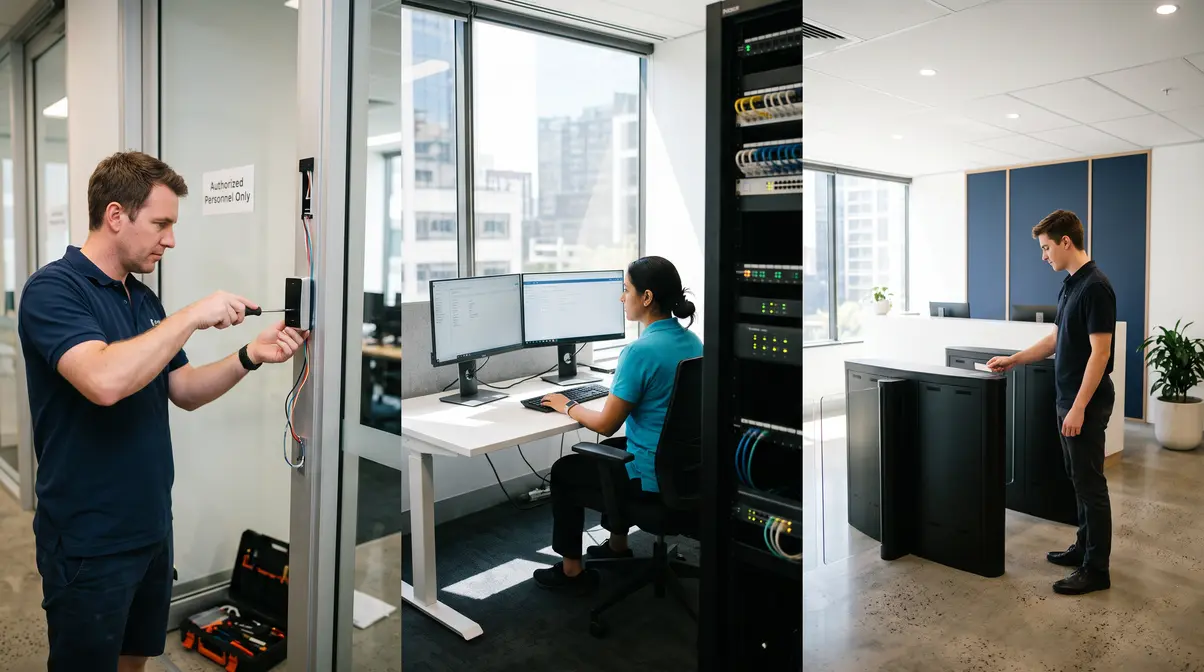
Seamlessly connect physical security with IT. Learn how to link your office access control with Microsoft Active Directory in our expert 2026 guide.
Table of Contents
Why Modern Office Access Control Must Bridge Physical Security and Active Directory
For decades, commercial building security and corporate IT administration operated in completely separate silos. Facilities personnel managed physical keycards, mechanical brass keys, and standalone door controller software, while IT system administrators provisioned digital identities, email accounts, and file server permissions inside Microsoft Active Directory (AD DS) or Microsoft Entra ID. This operational divide represents a critical security vulnerability for Australian enterprises.
When an employee departs an organisation, IT administrators immediately disable their Active Directory account to terminate access to corporate workstations, cloud applications, and network shares. However, if the physical access control system is not natively synchronised with the central identity directory, that former employee’s physical access token remains fully operational until a facilities coordinator manually deletes it. In commercial environments, this lag often lasts days, weeks, or even months, creating an unmitigated physical security exposure.
Modern office access control directly bridges this vulnerability. By treating physical doors, turnstiles, and server room access points as identity-aware endpoints governed by Active Directory, organisations establish a unified security perimeter. At Smart SYS, we design and deploy integrated infrastructures that synchronise logical access and physical entry into a single, automated operational framework. This guide outlines how small business managers and enterprise IT teams can architect, deploy, and maintain identity-driven physical access control systems built for the modern security landscape.
The Convergence of ICT Infrastructure and Commercial Physical Security
As commercial buildings transition into smart, highly connected environments, physical security hardware can no longer exist on an island. Modern access controllers and surveillance platforms communicate across standard IP networks, demanding rigorous network engineering, cybersecurity hardening, and identity management.
Our approach at Smart SYS leverages a comprehensive Dual-Engine model, delivering both enterprise ICT Services and Commercial Security Services under one roof. Our ICT capabilities encompass telecommunication, VoIP, unified group communication, real-time collaboration, and structured network infrastructure. On the physical security side, we architect, install, and support commercial access control, commercial CCTV, intruder alarms, fire alarm integration, and duress alarm solutions.
Historically, commercial clients suffered from fragmented vendor relationships. When a network-connected door controller dropped offline, the security installer blamed the IT company’s switches, while the IT provider blamed the security contractor’s hardware. We eliminate this friction by serving as the Single Point of Accountability across Perth and Western Australia. When network routing, identity directories, and electronic locking hardware are architected by a single expert team, finger-pointing is eliminated, deployment timeframes decrease, and system reliability increases.
It is vital from an architectural standpoint to maintain strict technical distinctions across hardware categories. While commercial CCTV cameras and modern IP office access control door controllers operate directly as intelligent network devices on your structured cabling, intruder alarms and dedicated emergency panels interface through specialised input/output relays and serial communication buses. Understanding these distinctions ensures that network bandwidth, power budgets, and security segmentation are properly calculated across your facility.
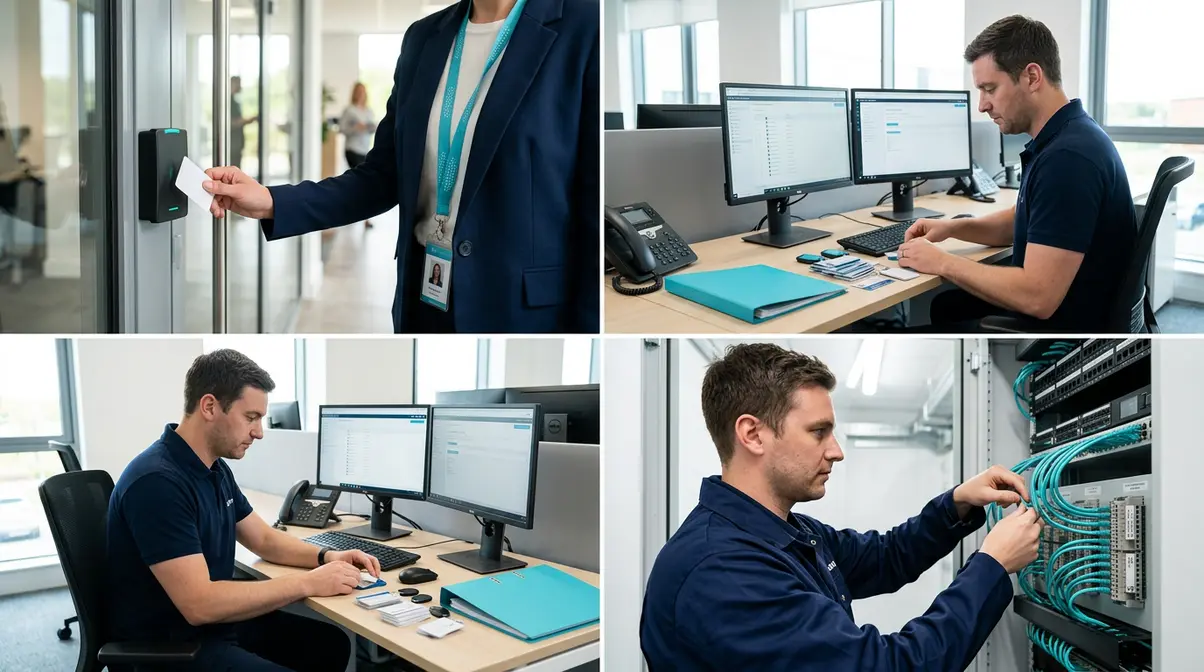

Architectural Foundations: On-Premises Active Directory vs Microsoft Entra ID
Integrating identity management with physical building security requires understanding how Microsoft Active Directory Domain Services (AD DS) and cloud-native Microsoft Entra ID (formerly Azure AD) process authentication and directory queries.
| Architecture Attribute | On-Premises Active Directory (AD DS) | Microsoft Entra ID (Cloud / Hybrid) |
|---|---|---|
| Primary Protocol | LDAP, LDAPS (Port 636), Kerberos | REST APIs, Microsoft Graph, SAML 2.0, SCIM |
| Access Control Server Placement | Local on-prem server / VM on corporate VLAN | Cloud-hosted SaaS or on-prem gateway with outbound API |
| User Grouping Logic | Security Groups, Organisational Units (OUs) | Dynamic Groups, Administrative Units, Conditional Access |
| Offboarding Synchronization | Real-time event queries / Polling interval | SCIM webhooks, Graph API Delta queries |
In pure on-premises environments, the access control server communicates with local Domain Controllers via Secure LDAP (LDAPS). User attributes (such as Employee ID, Card Number, Department, and Account Status) are read from the schema and mapped directly to physical clearance levels. For hybrid deployments, Microsoft Entra Connect synchronises on-prem accounts to the cloud, allowing small business managers to manage physical credentials through centralized Microsoft 365 identity portals.
By mapping Active Directory Security Groups directly to physical door groups (for example, mapping SG-Finance-Team to the second-floor accounting suite reader), user access rights update automatically whenever membership changes in AD. This establishes true Role-Based Access Control (RBAC) across your entire commercial estate.
Step-by-Step Architecture: Integrating Physical Door Controllers with Active Directory
Implementing identity-integrated office access control requires a disciplined engineering workflow across network, server, and field hardware layers.
1. Network Layer Isolation and Cabling Integrity
Because modern access control door controllers and CCTV cameras are network devices, they must never sit on an unsegmented, general-purpose corporate LAN. We isolate all physical security appliances inside a dedicated, non-routable Security VLAN protected by access control lists (ACLs) and stateful firewall inspection.
Field wiring must strictly utilise commercial-grade Cat5E or Cat6 Ethernet cable certified to Australian standards. We strongly advise clients to steer clear of cheap, non-certified cable and poor quality connectors, which introduce packet loss, intermittent power delivery over PoE (Power over Ethernet), and controller disconnects. High-density edge controllers require stable Gigabit switching infrastructure with reserved uninterruptible power supply (UPS) backups to maintain perimeter defence during local utility outages.
2. Edge Controller to Reader Communication: Migrating to OSDP
A frequent vulnerability in older commercial sites is the legacy Wiegand protocol between the card reader and the door controller. Wiegand transmits card data in cleartext, enabling bad actors to intercept credential payloads using low-cost hardware sniffers. In modern deployments, we mandate the use of Open Supervised Device Protocol (OSDP) v2.2. OSDP utilizes the Secure Channel Protocol (SCP) with 128-bit AES encryption over RS-485, preventing credential interception, man-in-the-middle attacks, and reader tampering.
3. Directory Integration Engine and Schema Mapping
The central physical access management server links to Active Directory via an encrypted connector. During integration, we map custom or standard Active Directory schema attributes to physical credential tokens:
- User Principle Name (UPN) / ObjectGUID: Serves as the immutable primary key tying the physical badge record to the digital directory identity.
- AccountDisabled / UserAccountControl: Monitored continuously. If the flag changes to disabled, the physical controller immediately invalidates local cardholder permissions.
- Pager / Custom Attribute (ExtensionAttribute1-15): Often utilised to store encoded smart card CSNs (Card Serial Numbers) or mobile credential keys.
- MemberOf: Parses security group memberships and maps them to physical time zones, access levels, and door schedules.
Organizations must design these systems with comprehensive technical resilience to protect against unexpected disruptions. Standard directory hardening protocols, aligned with guidance from the Australian Cyber Security Centre (ACSC), assure that directory-integrated operational infrastructure remains protected against credential stuffing, lateral network traversal, and unauthorised privilege escalation.
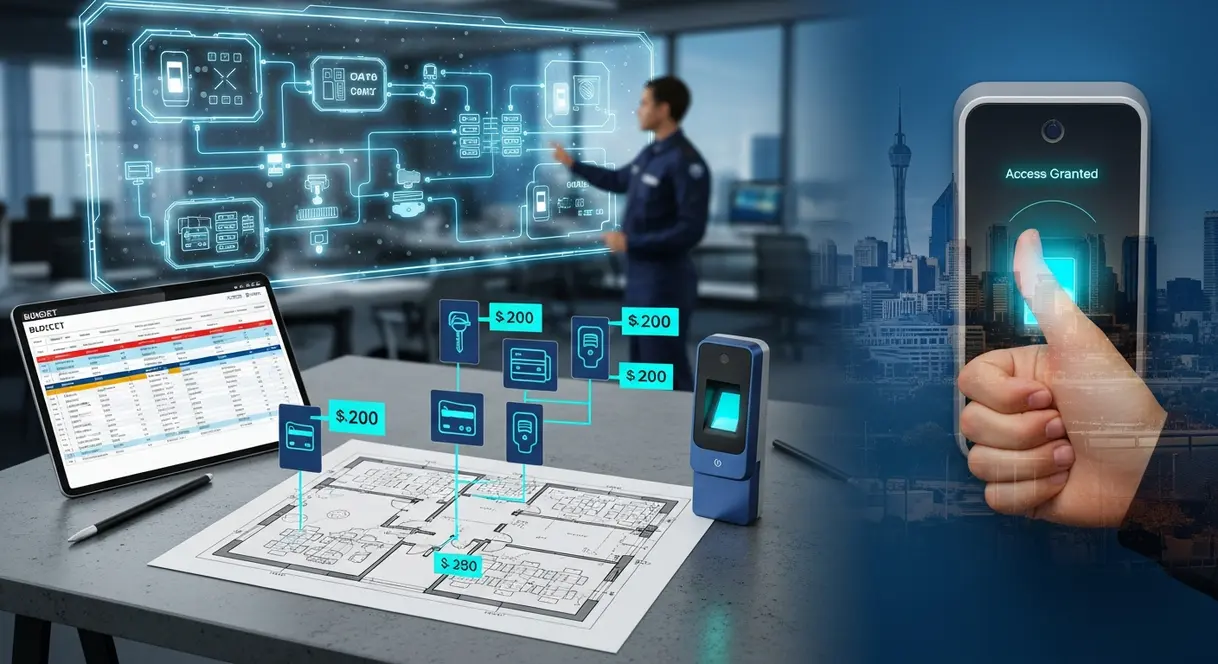
Operational Workflows: Automated Provisioning and Offboarding
The core objective of directory-linked office access control is automating the Joiner, Mover, Leaver (JML) lifecycle. Manual administrative workflows inevitably introduce human error, posing severe physical and operational risks.
Automated Onboarding (The “Joiner” Workflow)
When Human Resources creates a new employee profile in the core HRIS platform, identity provisioning scripts or SCIM integrations generate the user object inside Active Directory. Based on the new hire’s department and office location, the user is assigned to predefined Security Groups (e.g., SG-Perth-Staff and SG-Engineering-Lab). The access control integration module detects the new directory object, registers the individual as a cardholder, provisions a digital mobile credential to their smartphone or registers a physical DESFire EV3 smart card, and synchronises access permissions to the local door controllers—without the security team having to manually configure permissions on individual doors.
Role Adjustments (The “Mover” Workflow)
When an employee transitions from Marketing to Legal, their Active Directory groups are updated accordingly. The access control engine revokes access to the marketing studio and instantly grants clearance to the secure legal records room. This eliminates “privilege creep,” where staff retain accumulated physical access rights over years of departmental transitions.
Instant Revocation (The “Leaver” Workflow)
The moment an employment termination is processed, IT disables the user’s Active Directory account. The access control middleware receives this status update in real time and commands edge door controllers to instantly revoke local badge privileges. The former employee cannot tap through building turnstiles, unlock perimeter doors, or enter executive suites, even if their physical access card is not returned.
Best Practices for Deploying Office Access Control in Commercial Facilities
Deploying advanced office access control across commercial sites requires navigating complex physical environments, structured cabling pathways, and building codes.
Assessing Existing Infrastructure and Installation Complexity
Leveraging existing infrastructure requires careful professional assessment before deployment. Installation complexity varies dramatically across different commercial building architectures:
- Modern Commercial Fit-outs: Often feature suspended ceilings and gyprock wall cavities, enabling our technicians to run concealed cabling cleanly from the communications room to door headers without impacting aesthetics.
- Heritage or Industrial Buildings: Often incorporate double-brick walls, exposed structural steel, or pre-cast concrete panels. These structures require exposed conduit on external brick, fire-rated penetrations, and specialised core drilling techniques.
Our licensed installation professionals know how to avoid damages to the building fabric, preserve acoustic ratings, and ensure all cable runs comply strictly with local building standards and telecommunication regulations.
Integrating Commercial CCTV and Intruder Alarms
A truly cohesive commercial facility unites access control with video surveillance and intrusion systems. We configure our integrated security engines so that access control alarms (such as “Door Forced Open” or “Door Held Open”) trigger automated PTZ camera presets, instantly displaying video feeds on security dashboards.
High-quality CCTV systems provide clear, evidentiary-grade footage that supports accurate incident verification and liability protection. By synchronising Active Directory user records, CCTV event logs, and access control audit trails, small business managers gain complete operational visibility over who accessed specific rooms and at what exact time.
To explore comprehensive commercial security implementations across Western Australia, review our dedicated Security Services (CCTV, Alarms, Access Control).

Overcoming Common Deployment Challenges and Hardware Vulnerabilities
When engineering an enterprise-grade office access control system, IT specialists and facility managers must resolve several critical hardware, power, and fail-safe engineering challenges.
Offline Edge Processing and Credential Caching
A common concern among small business managers is: “What happens to our office doors if the network switch fails or the Active Directory server goes down?”
We solve this by deploying intelligent edge controllers capable of autonomous operation. The access control server downloads and caches the full directory database, access rules, time zones, and encrypted badge keys directly onto the controller’s onboard non-volatile memory. If the local network switch or WAN connection drops, the edge controller continues to evaluate badges, grant access, and record event transactions locally. Once the network reconnects, the controller uploads its buffered audit logs to the central server automatically.
Fail-Safe vs Fail-Secure Lock Engineering and Fire Trips
Electric locking hardware must be selected based on security requirements and Australian life-safety regulations:
- Fail-Secure (Power to Unlock): Electric strikes and high-security mortice locks remain locked when power is lost. This is ideal for external perimeter entries, IT server rooms, and high-value storage to prevent unauthorized entry during power failures.
- Fail-Safe (Power to Lock): Electromagnetic locks (maglocks) release automatically when power is removed, allowing building occupants to exit freely during emergencies.
All electromagnetic locking systems must be interfaced directly with the building’s master fire alarm panel via an isolated, normally closed (NC) fire trip relay. When the fire alarm activates, main power to fail-safe locks drops immediately, assuring unhindered egress regardless of access control controller software states.
Smart Card Encryption: Moving Beyond 125kHz Proximity Fobs
Legacy 125kHz RFID proximity cards (such as standard EM-Prox or unencrypted HID Prox) transmit fixed identifier strings without encryption or handshake verification. Inexpensive cloning handhelds can copy these credentials in seconds simply by standing near an employee. Modern commercial office access control must utilise high-frequency 13.56MHz smart credentials, such as MIFARE DESFire EV2 or EV3, which employ AES-128 cryptographic authentication, diversification keys, and tamper-resistant storage architectures.
Total Cost of Ownership: Financial Planning for Small Business Managers
Small business managers frequently struggle to evaluate the long-term economics of commercial security deployments. A common trap is selecting cheap residential-grade hardware or software-as-a-service (SaaS) platforms that impose heavy per-door, per-user monthly subscription fees.
At Smart SYS, we prioritise commercial-grade, open-architecture platforms designed for longevity, high reliability, and manageable total cost of ownership. Our commercial systems feature no or minimal ongoing monthly fees, ensuring that our clients retain full ownership of their access control hardware and perpetual on-premise or cloud licenses without being held hostage by recurring operational expenses.
Baseline professional deployments for commercial access control architecture—including an enterprise edge controller, commercial-grade power supply, Cat6 structured cabling, OSDP encrypted readers, and core Active Directory identity integration—start from straightforward entry thresholds. Core commercial installations are available starting from $2,490 for single-door high-security environments (such as dedicated server rooms or executive suites), scaling up based on the number of access portals, architectural installation complexity, and hardware integration requirements.
By investing in unified commercial infrastructure rather than fragmented consumer gear, businesses mitigate the risk of premature system replacement, reduce administrative overhead, and assure long-term operational resilience.
Frequently Asked Questions
Can we use our existing building access cards when migrating to Active Directory integration?
That depends on the card format currently in use. If your existing cards are encrypted smart cards (such as MIFARE DESFire or iCLASS SE), our team can read the existing Card Serial Numbers (CSNs) or encrypted application data and map them into Active Directory user attributes. If your facility currently relies on unencrypted 125kHz proximity cards, we recommend replacing the credentials and readers with encrypted OSDP hardware to eliminate cloning risks and assure modern perimeter defence.
What happens to our doors if our Internet connection drops?
Door operation is completely uninterrupted. The intelligent edge controllers we deploy store all access rules, encrypted credentials, and access schedules locally in non-volatile flash memory. The system evaluates access decisions at the door level. When Internet or LAN connectivity is restored, the controllers automatically synchronise their buffered event logs and accept any directory updates made during the outage.
Can we integrate multi-factor authentication (MFA) at high-security internal doors?
Yes. For mission-critical environments—such as main server rooms, cash offices, or executive archives—we deploy dual-authentication OSDP readers that require both a smart credential (card or mobile NFC/Bluetooth token) and a dynamic or static PIN. In advanced environments, this can be linked with Active Directory to enforce multi-tiered verification policies before access is granted.
How does Active Directory handle temporary contractors and visitors?
Contractors and visitors can be provisioned with standard Active Directory accounts configured with automatic account expiration dates and times. The access control middleware respects these directory-defined constraints; when the contractor’s AD account expires at 5:00 PM on Friday, their physical badge permissions expire across all door controllers at the exact same moment.
Why is a single vendor model better for IT and physical security?
Modern commercial security platforms are IP-based systems that rely directly on network switches, VLAN routing, PoE power, firewalls, and identity databases. When separate companies handle IT and security, troubleshooting network latency, controller communication drops, or directory synchronisation bugs often leads to finger-pointing and delayed resolutions. Choosing Smart SYS as your Single Point of Accountability provides seamless integration, rapid support, and cohesive operational control across all ICT and commercial security systems.
Future-Proof Your Commercial Facility with Smart SYS
The convergence of physical security and IT identity represents the future of commercial facility management. By eliminating fragmented access lists, manual card handling, and unencrypted field wiring, organisations establish an impenetrable, fully auditable physical defence perimeter powered by Microsoft Active Directory.
Whether you are upgrading an existing multi-tenant commercial office, fitting out a new corporate headquarters, or securing critical IT server rooms, our engineering team provides end-to-end expertise. We design, deploy, and support advanced office access control, structured network cabling, commercial CCTV, and enterprise ICT infrastructure tailored precisely to your operational requirements.
Contact the Smart SYS team today to schedule an on-site architectural assessment and discover how our integrated ICT and commercial security solutions can protect your organisation.
Frequently Asked Questions
Can existing building access cards be reused when integrating with Active Directory?
Yes, provided your current cards utilise modern encrypted smart credential technology like MIFARE DESFire or iCLASS. These card serial numbers (CSNs) or encrypted identifiers can be mapped directly into Active Directory schema attributes. However, legacy unencrypted 125kHz proximity cards should be replaced with secure OSDP-compatible credentials to eliminate cloning vulnerabilities.
What happens to physical door access if the corporate network or Internet goes offline?
Door access continues without interruption. Intelligent edge door controllers locally cache access permissions, user credentials, time schedules, and encryption keys on non-volatile memory. Controllers autonomously evaluate and grant entry at the door level during outages, synchronising all buffered event logs with the central server once connectivity is restored.
How does Active Directory integration handle temporary contractors and expiring passes?
Contractors and visitors are assigned Active Directory accounts configured with predetermined expiration timestamps. The physical access control middleware continuously monitors these directory constraints, automatically invalidating physical entry permissions across all door controllers the exact moment the account expires.
Why is OSDP recommended over the traditional Wiegand protocol for door readers?
Legacy Wiegand wiring transmits credential data in unencrypted cleartext, making it vulnerable to hardware interception and cloning. Open Supervised Device Protocol (OSDP) v2.2 uses 128-bit AES encryption over supervised RS-485 channels, protecting credentials against interception, tampering, and replay attacks.
Can multi-factor authentication (MFA) be enforced at high-security doors?
Yes. Critical internal areas such as server rooms and archives can deploy dual-authentication OSDP readers requiring both an encrypted credential (physical card or mobile token) and a secure PIN tied directly to the user’s Active Directory security group permissions.
Seamlessly Integrate Access Control with Active Directory
Automate user provisioning, enhance physical security, and protect your office premises with enterprise-grade access control solutions tailored to your IT infrastructure.
Post Comment